

Documentation
Everything you need to run HavnSight
Sign up, bring in your people, control access and secure sign-in. Short guides, and reference for roles and permissions.
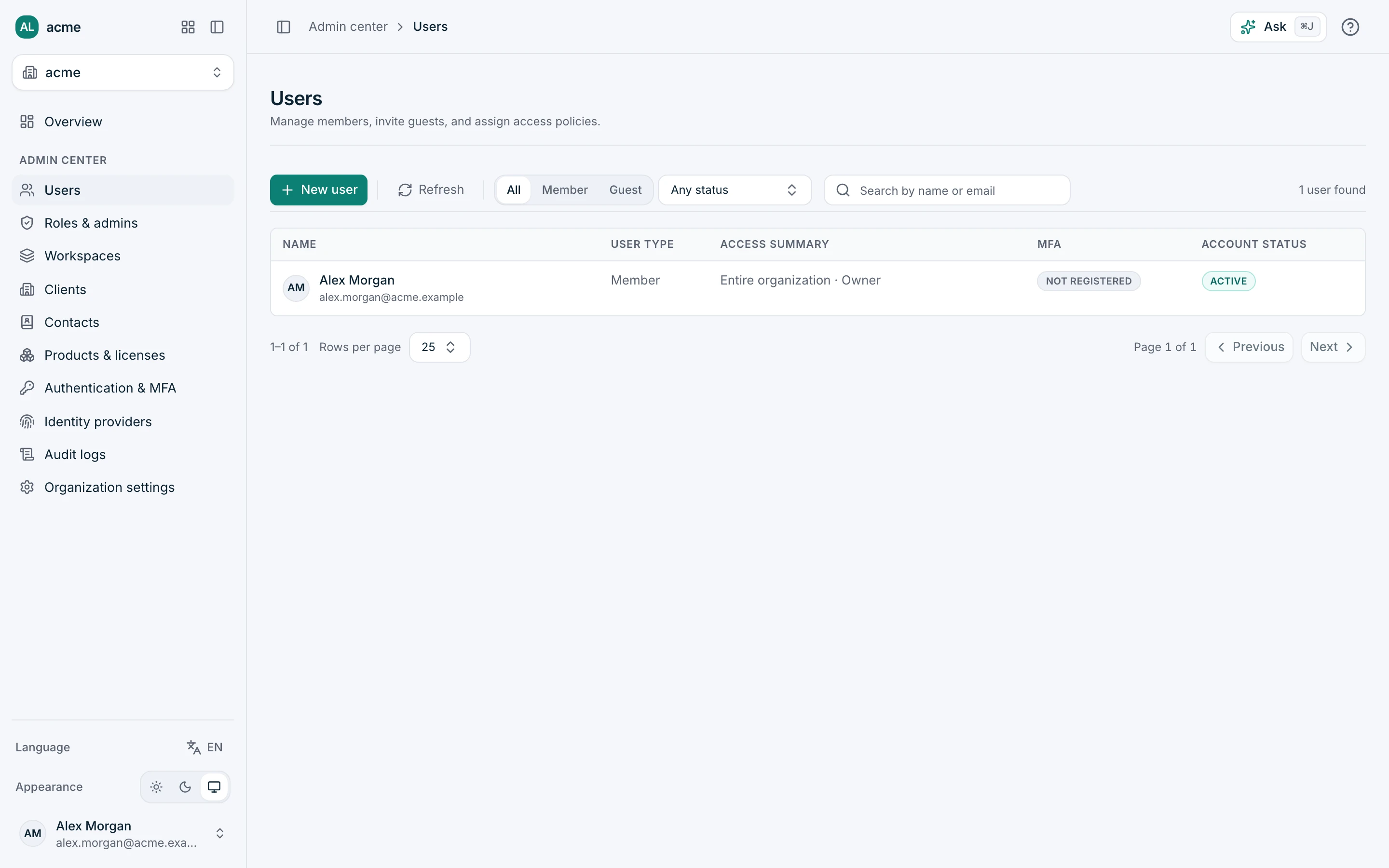
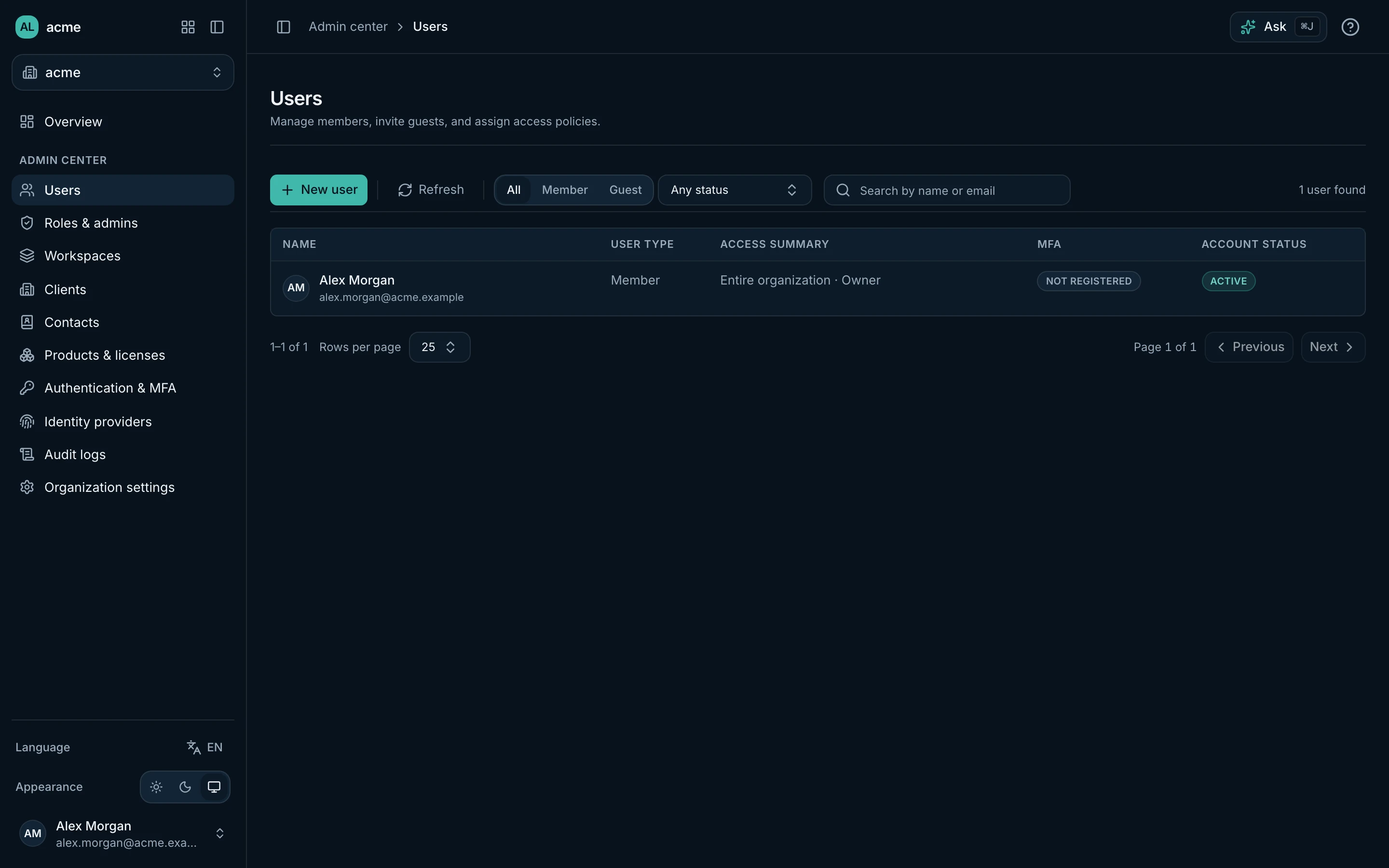
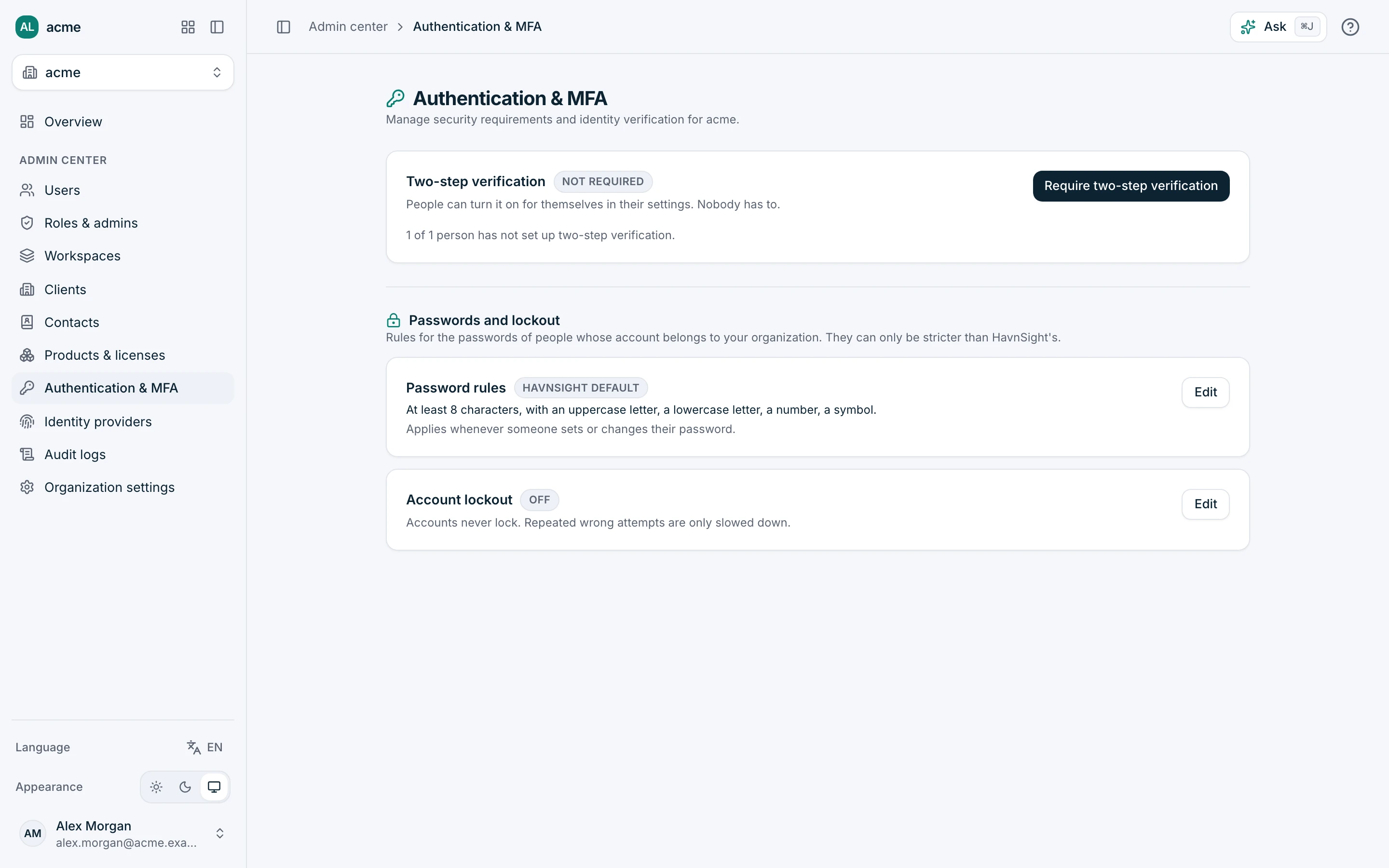
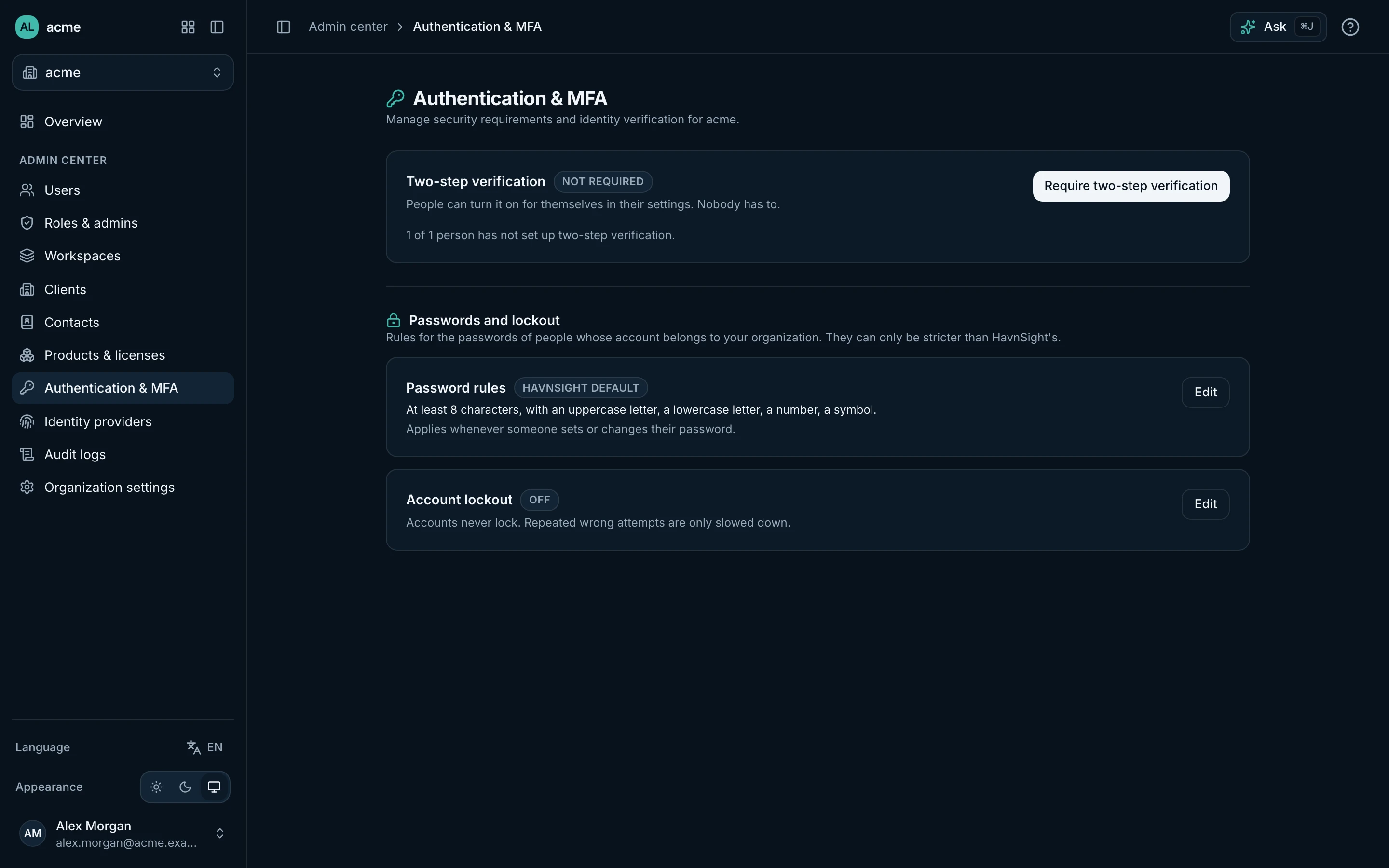
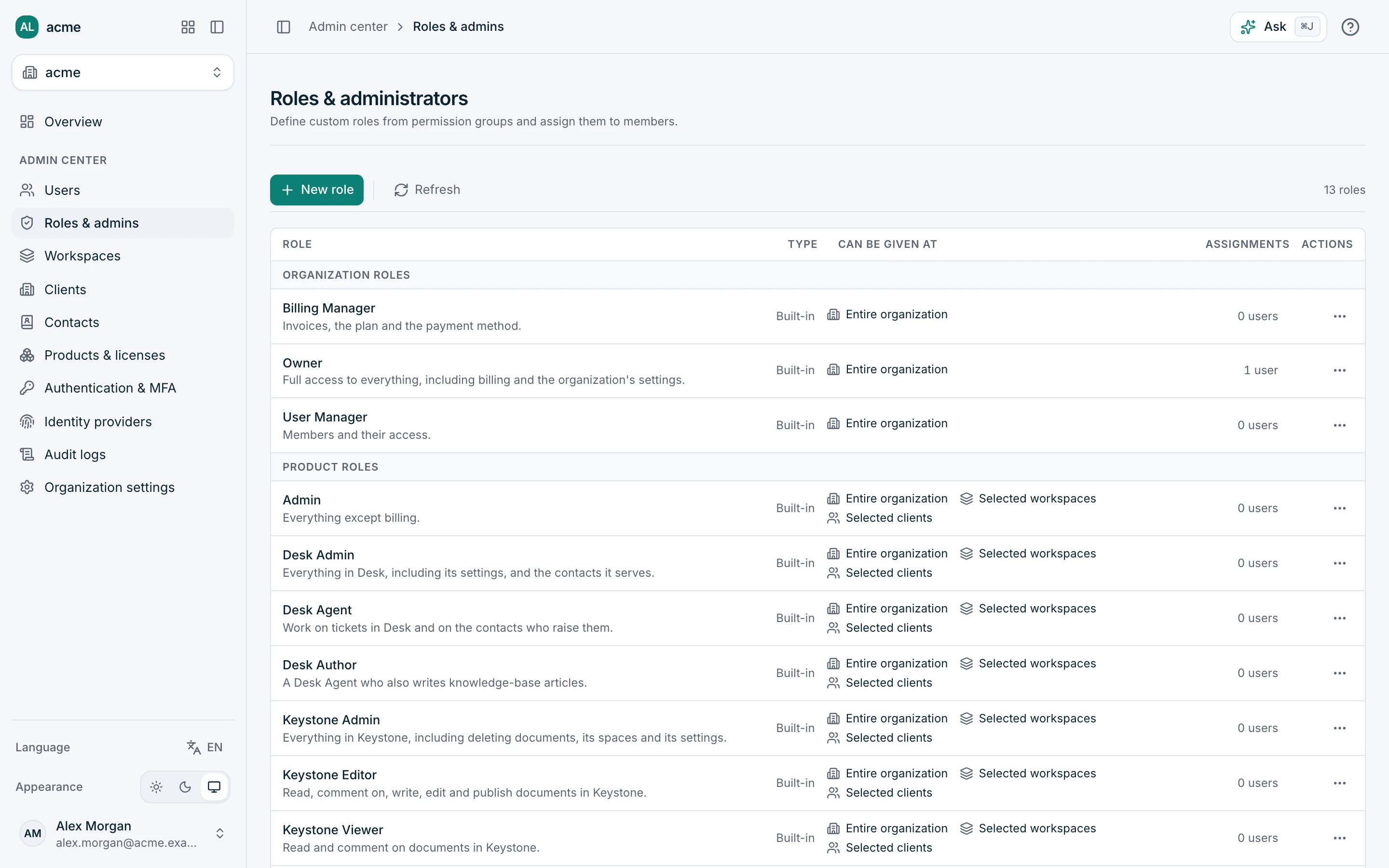
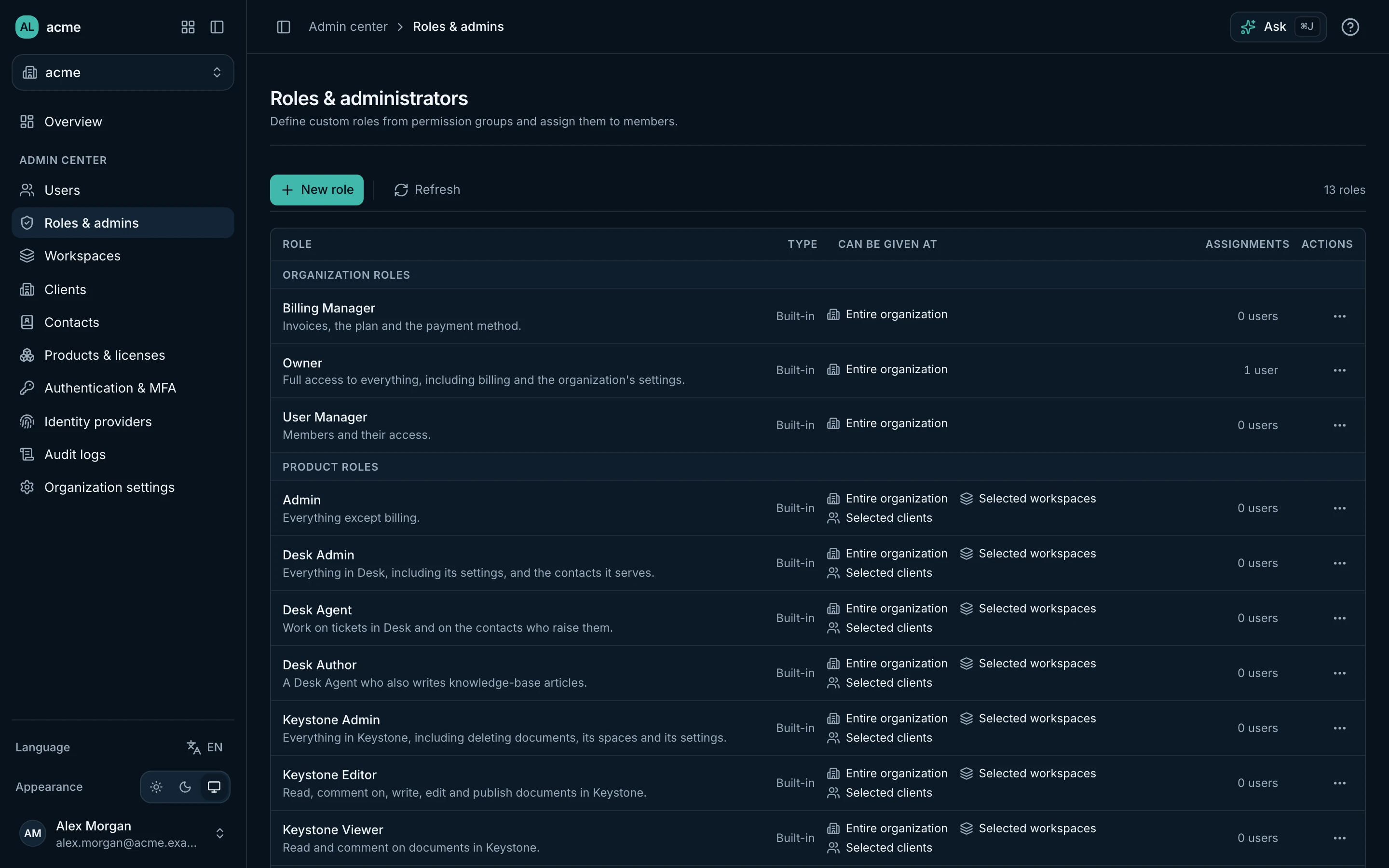
Ask how.
See the real screen.
Every guide shows the screen you'll use, step by step.

Start in four steps
- 01Sign up for HavnSightSign up with your work email, confirm the code we send you and choose where your data is hosted.
- 02Add and manage usersCreate users in your organization, invite guests from outside it, and help someone who can't sign in.
- 03Assign roles and create custom rolesGive a person access with an access policy, and create your own roles from permission groups.
- 04Require two-step verification and set password rulesRequire a second step at sign-in for everyone your organization owns, and set password rules and account lockout.
In the Admin center
How access works
Where work lives
Organization
Your company's account
Workspace
ClientClient
Workspace
ClientClient
Who may do what
Person
A member of your organization
Role
What they may do
Scope
Where: the organization, a workspace or a client
Access policy
Their access, checked on every request
Popular pages
- FAQReferenceShort answers to common questions about HavnSight.
- Built-in roles and permission groupsReferenceReference of HavnSight's built-in roles, the permission groups they are made of, and where each group can be given.
- Set up single sign-onHow-toLet your people sign in with your own identity provider through Microsoft Entra ID, OpenID Connect or SAML 2.0.
- Check a person's accessHow-toSee everything a person can do and why, and test whether they may do one action.
- Organizations and regionsConceptHow organizations are separated and where their data is hosted.
- GlossaryReferenceThe terms used across the documentation, each defined once.
Still looking?
Answers to common questions, the words HavnSight uses, and a person when you need one.