

Desk overview
What Desk is for, its main parts, and how to open it.
Desk is where your team handles requests from customers. Each request is a ticket with its conversation, its requester and its status, in the workspace it belongs to.
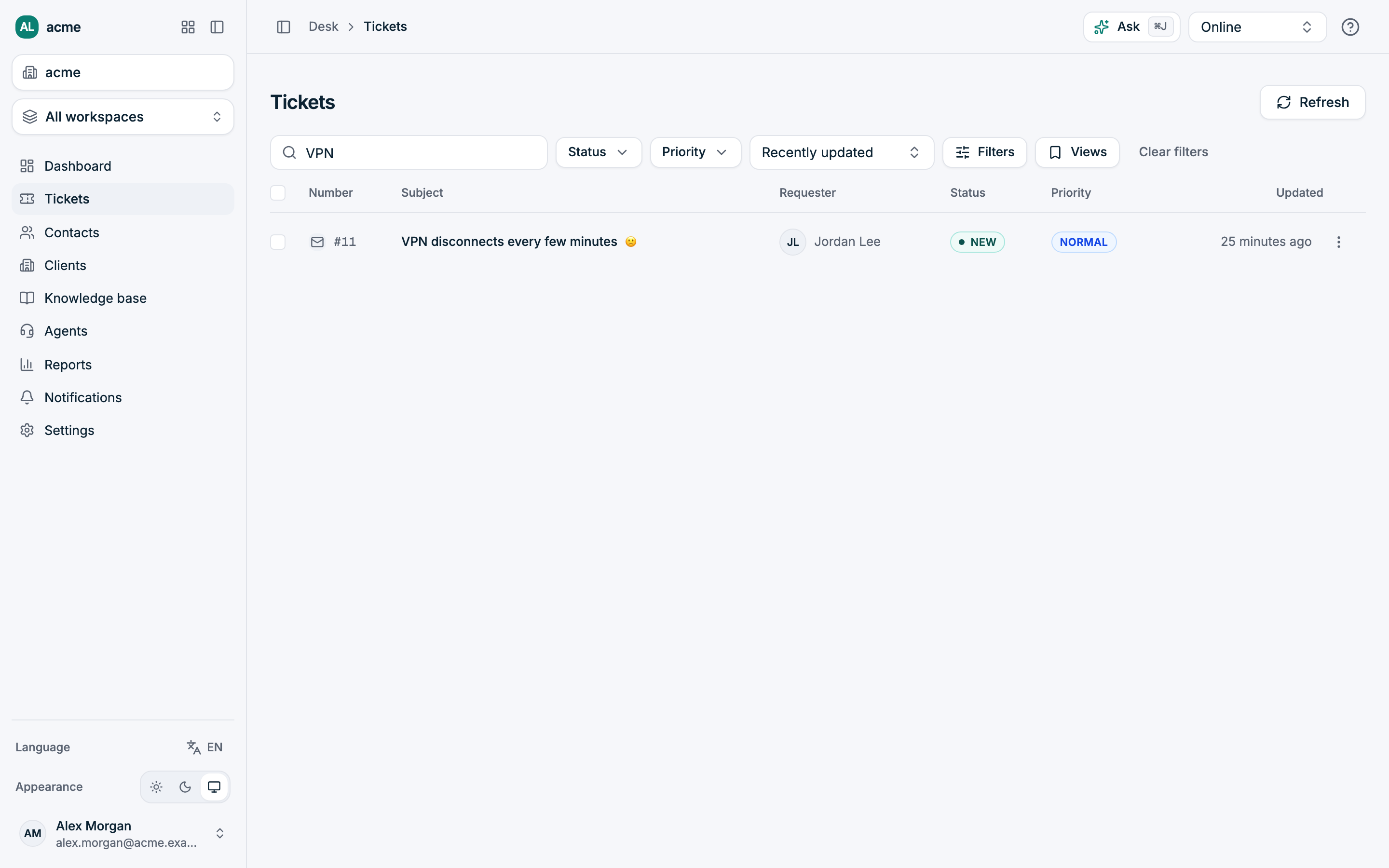
Main parts of Desk
| Part | What it holds |
|---|---|
| Tickets | Every request, with its subject, requester, status and priority. Open a ticket to read and answer its conversation. |
| Contacts | The people who raise tickets. |
| Clients | The companies your organization serves, with their contacts and tickets. |
| Knowledge base | Articles that answer common questions, reviewed before they're published. |
| Dashboard and Reports | How your queue is doing. |
| Settings | How Desk works for your organization and each workspace. |
Desk also has AI help in every ticket. See HavnSight Intelligence overview.
Open Desk
- Sign in to your HavnSight account.
- In the menu on the left, under Products, select Desk.
Desk opens on your tickets. To see one workspace's tickets, select it in the workspace menu at the top left.
Related content
Was this page helpful?
Send feedback