

Flow overview
What Flow is for, its main parts, and how to open it.
Flow runs workflows: a series of steps, drawn as blocks, that starts from a trigger. Workflows are kept in projects, and every run is recorded so you can see what happened.
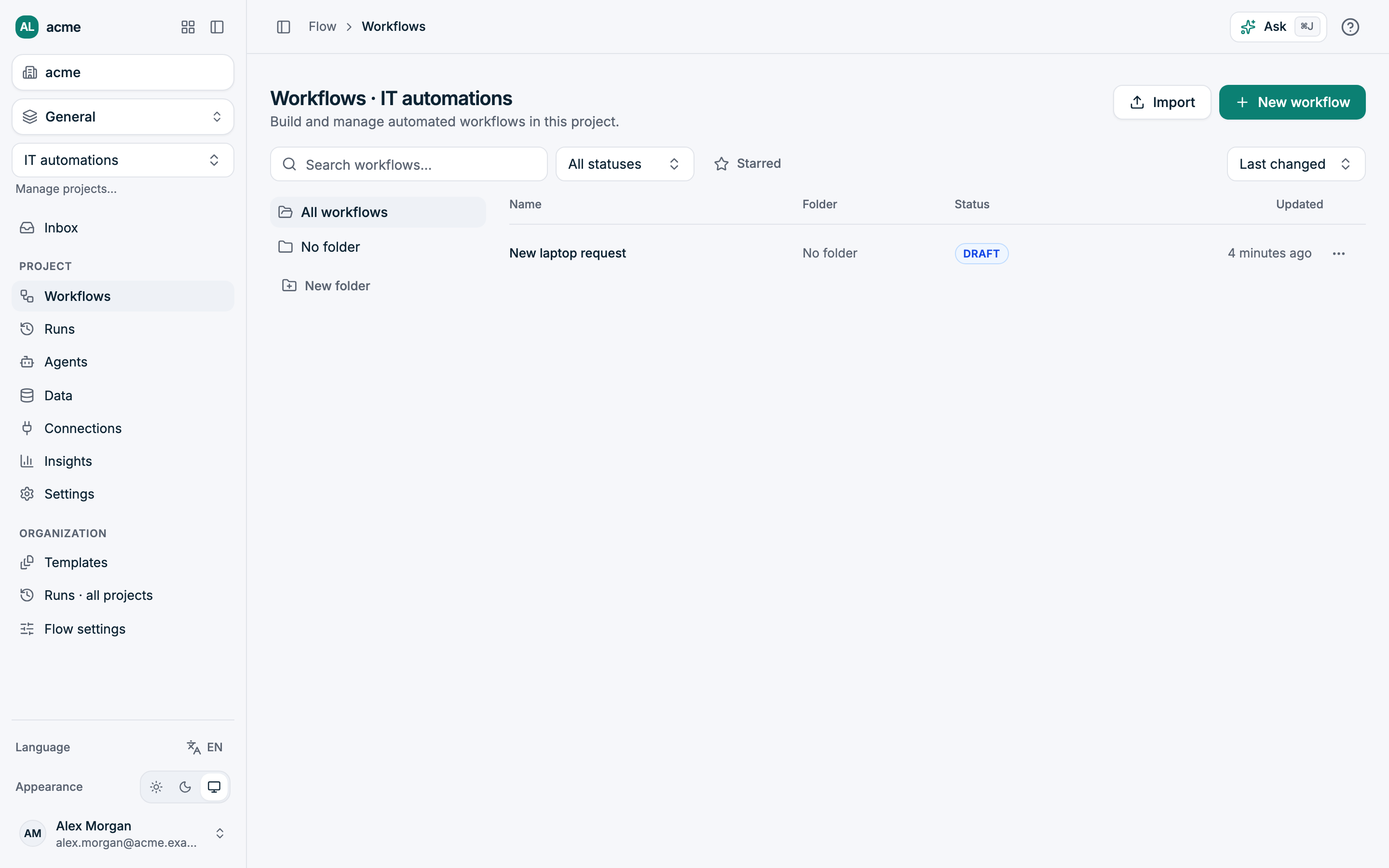
Main parts of Flow
| Part | What it holds |
|---|---|
| Projects | A project groups related workflows. Select the project in the menu at the top left. |
| Workflows | The project's workflows. Open one to edit it in the workflow editor. |
| Runs | Every run of the project's workflows, newest first, with its status. |
| Flow settings | Your organization's projects, and creating new ones. |
Open Flow
- Sign in to your HavnSight account.
- In the menu on the left, under Products, select Flow.
Related content
Was this page helpful?
Send feedback