

Search your documentation
Find pages by their title and text in every space you can read.
Search for a page
-
In Keystone, select Search.
-
Type a word or phrase and press Enter.
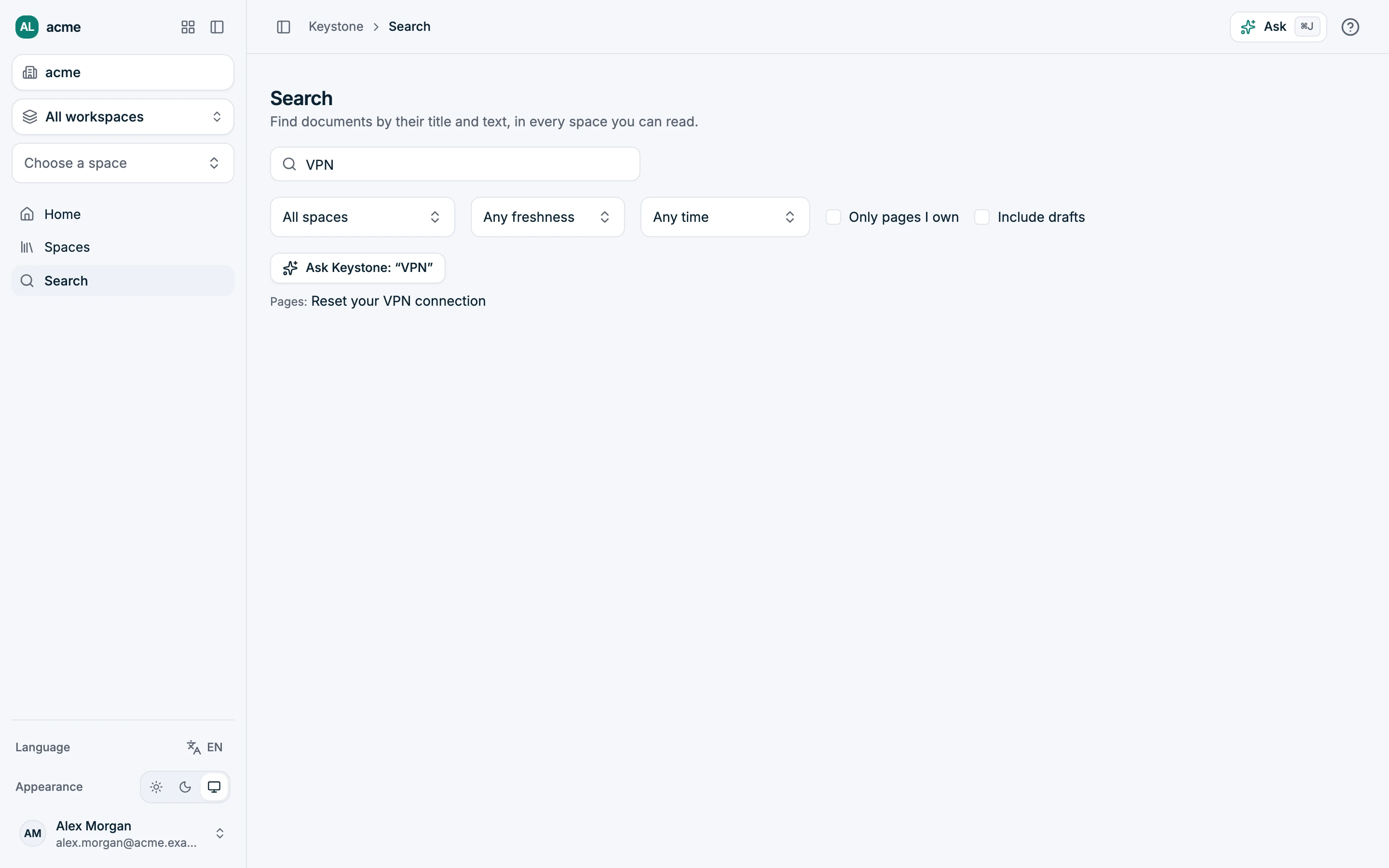
-
Select a result to open the page.
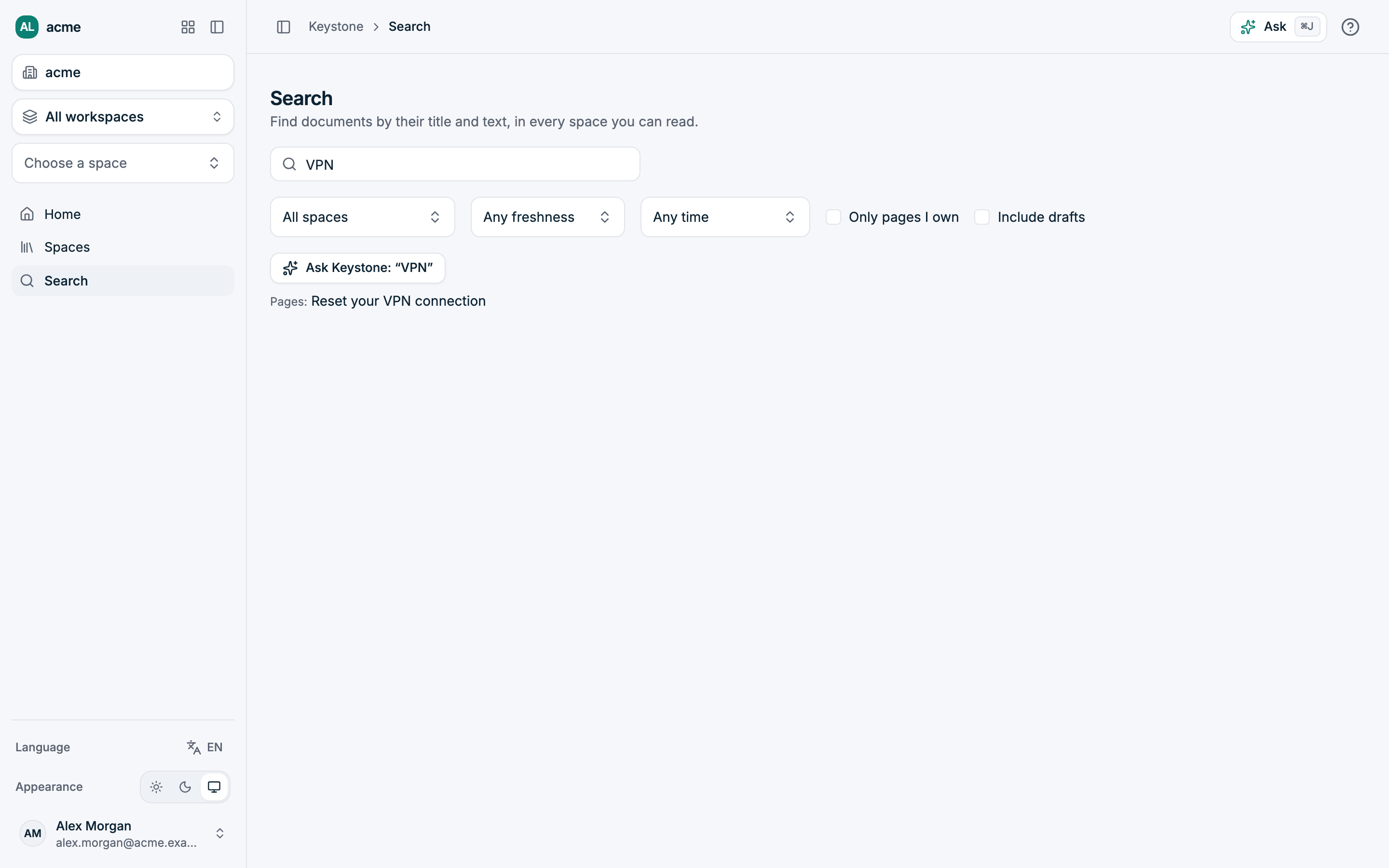
Narrow the results by space, by freshness, by when the page changed, or to pages you own. Results show published pages; select Include drafts to include pages not yet published.
Tip
To get an answer instead of a list, select Ask Keystone. See HavnSight Intelligence overview.
Related content
Was this page helpful?
Send feedback