

Keystone overview
What Keystone is for, its main parts, and how to open it.
Keystone holds your team's runbooks and articles. Pages live in spaces, are written together live, and are published when they're ready, so everyone reads the same trusted version.
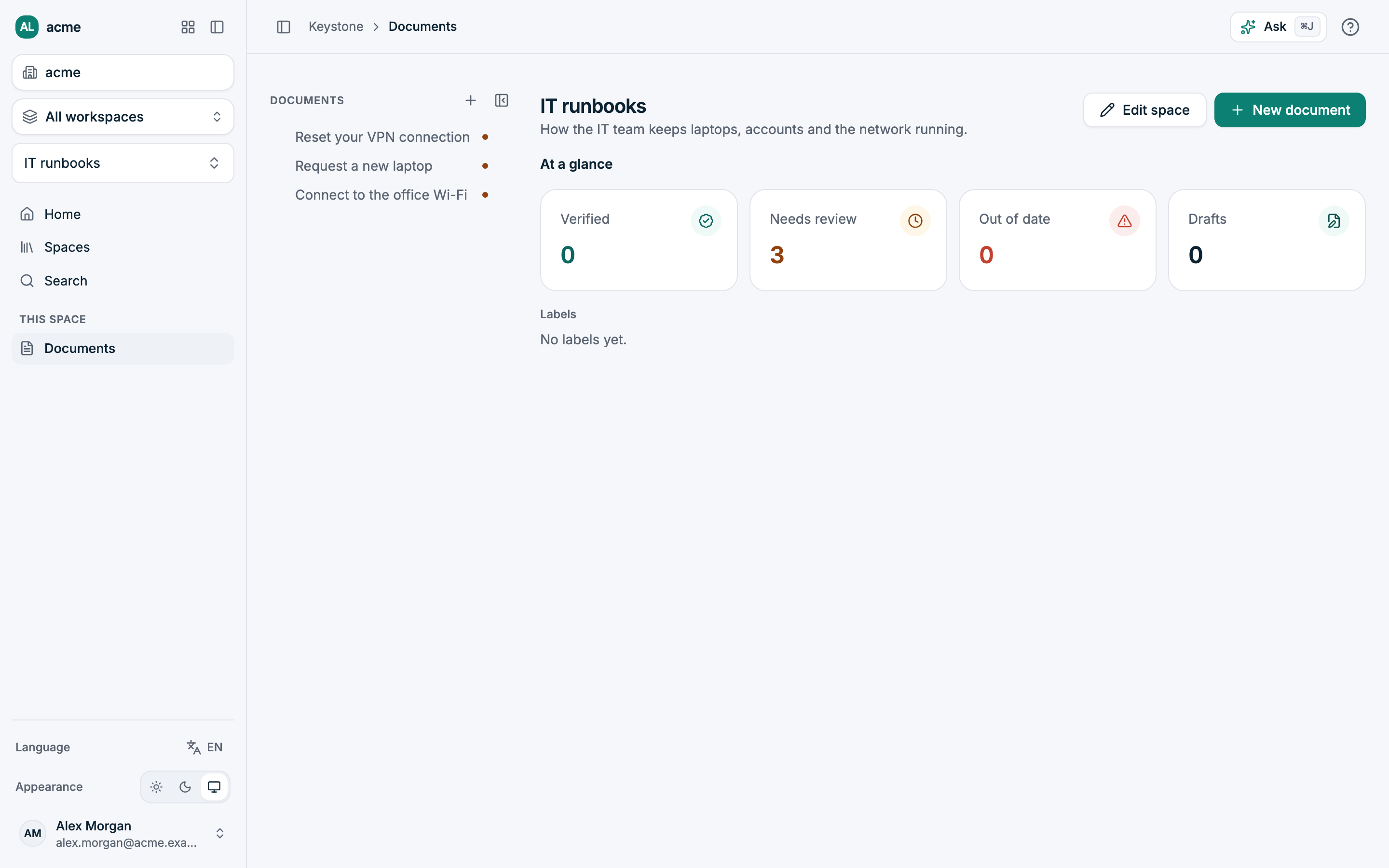
Main parts of Keystone
| Part | What it holds |
|---|---|
| Home | The pages you viewed recently and the pages you own that need to be checked. |
| Spaces | Each space holds the runbooks and articles of one team, or of one of your clients. |
| A space's documents | The pages of the space, in a tree you arrange. A page shows whether it's verified, needs review or is out of date. |
| Search | Find pages by title and text across the spaces you can read, or ask Keystone a question. |
Open Keystone
- Sign in to your HavnSight account.
- In the menu on the left, under Products, select Keystone.
Related content
Was this page helpful?
Send feedback